



฿6,500
Free Delivery (in Thailand)

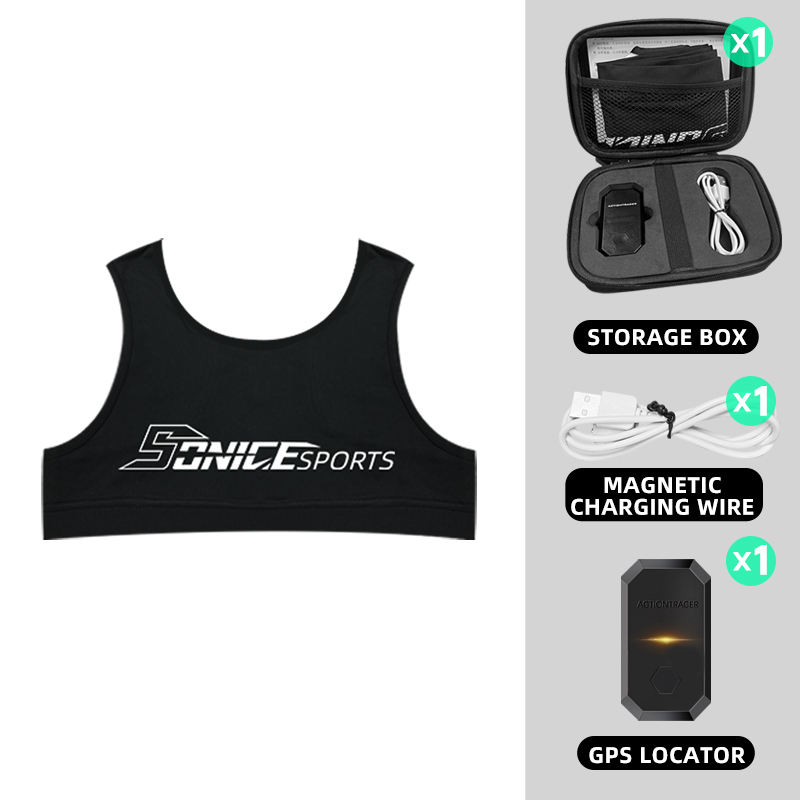
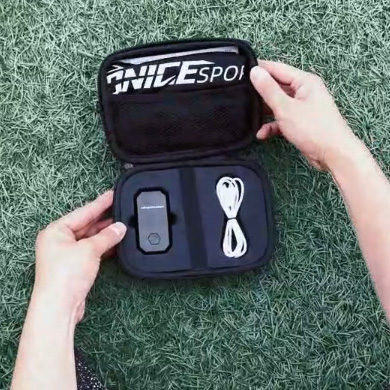
- Vest + Tracker + Carry Case + USB Charging Cable + App
- Battery Life: 6-8 Hours
- Maximum Recording Time: 2 Hours (before syncing)
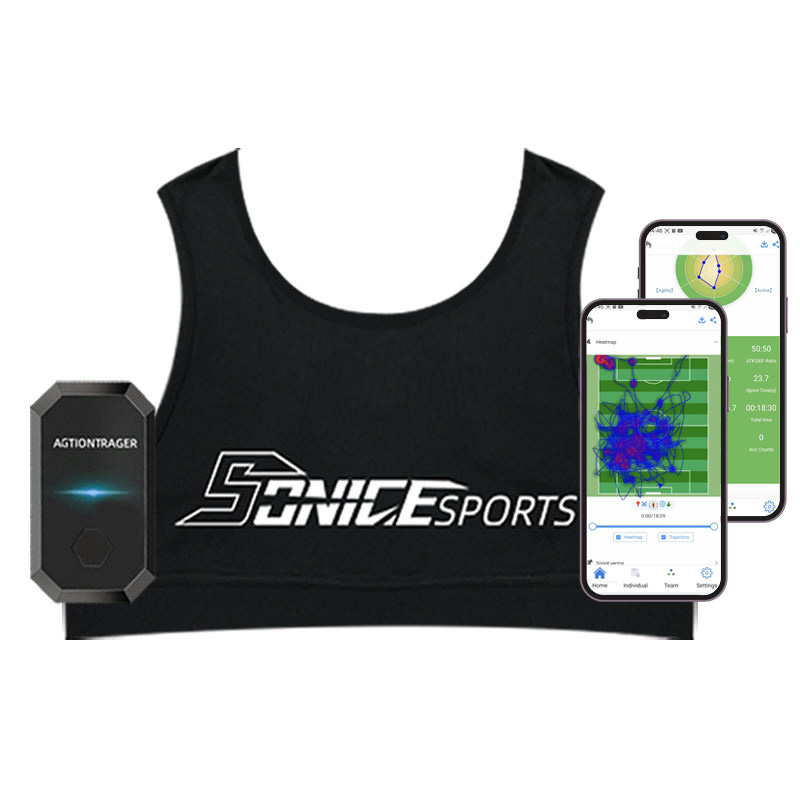
GPS Tracker With Vest (Outdoor Use Only)
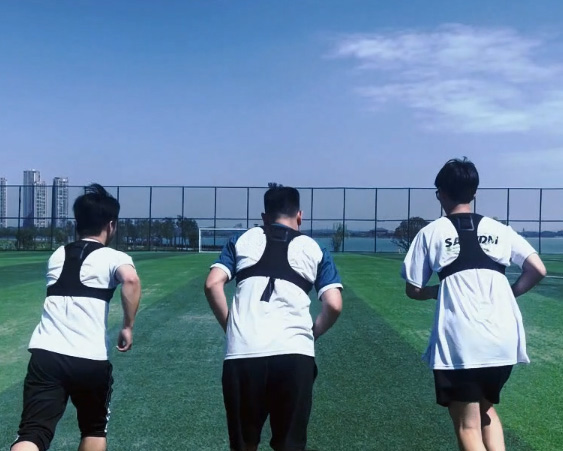
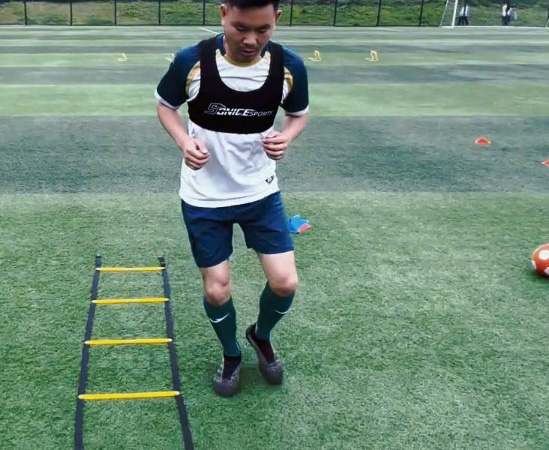
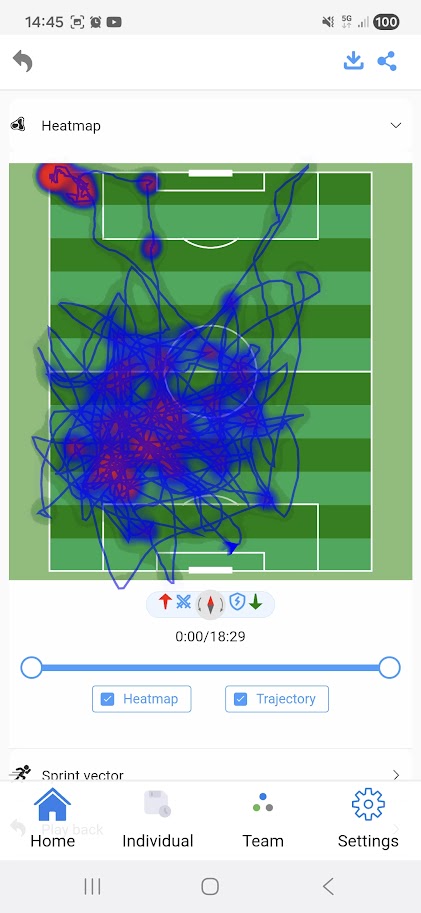
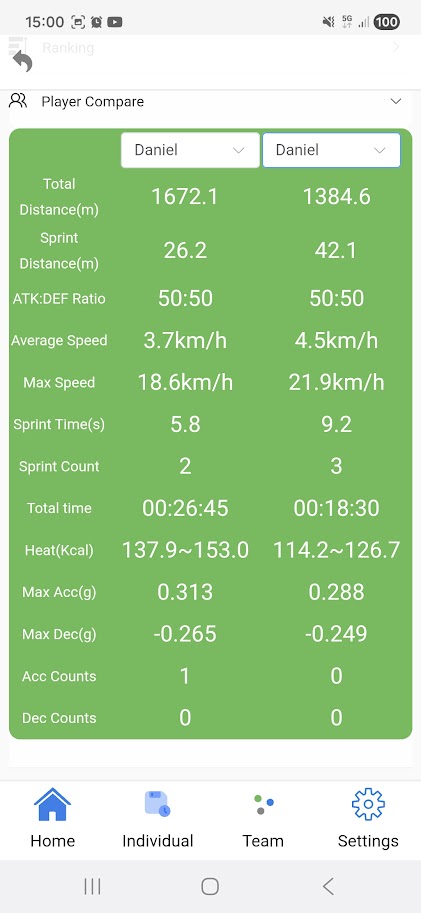
Collect data for individual athletes or a full team (using additional trackers). Compare between athletes, or compare over time. Find out where each athlete needs improvement, and see if they're progressing over time.
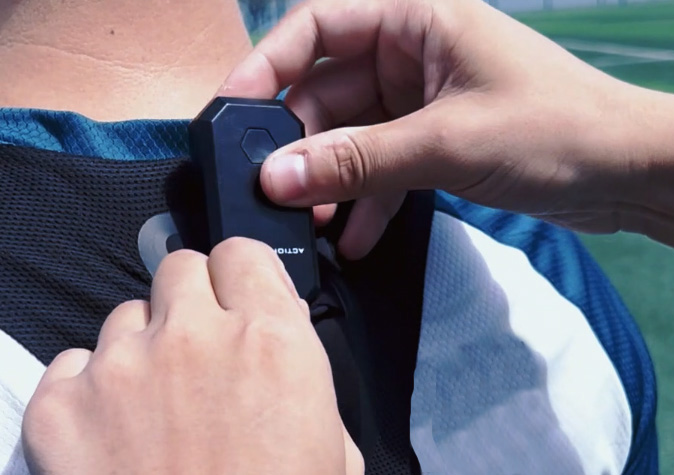
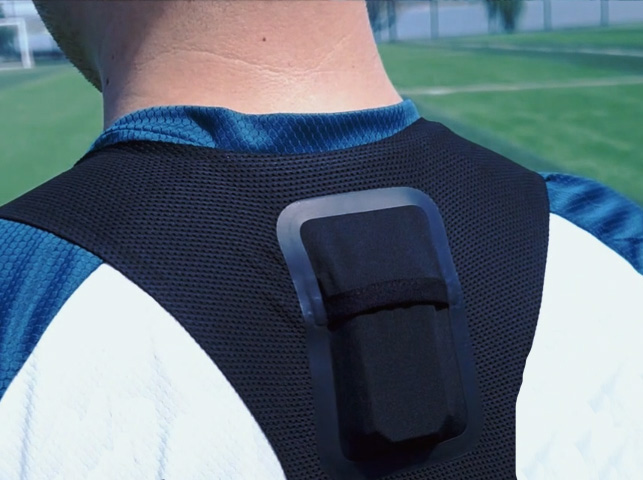
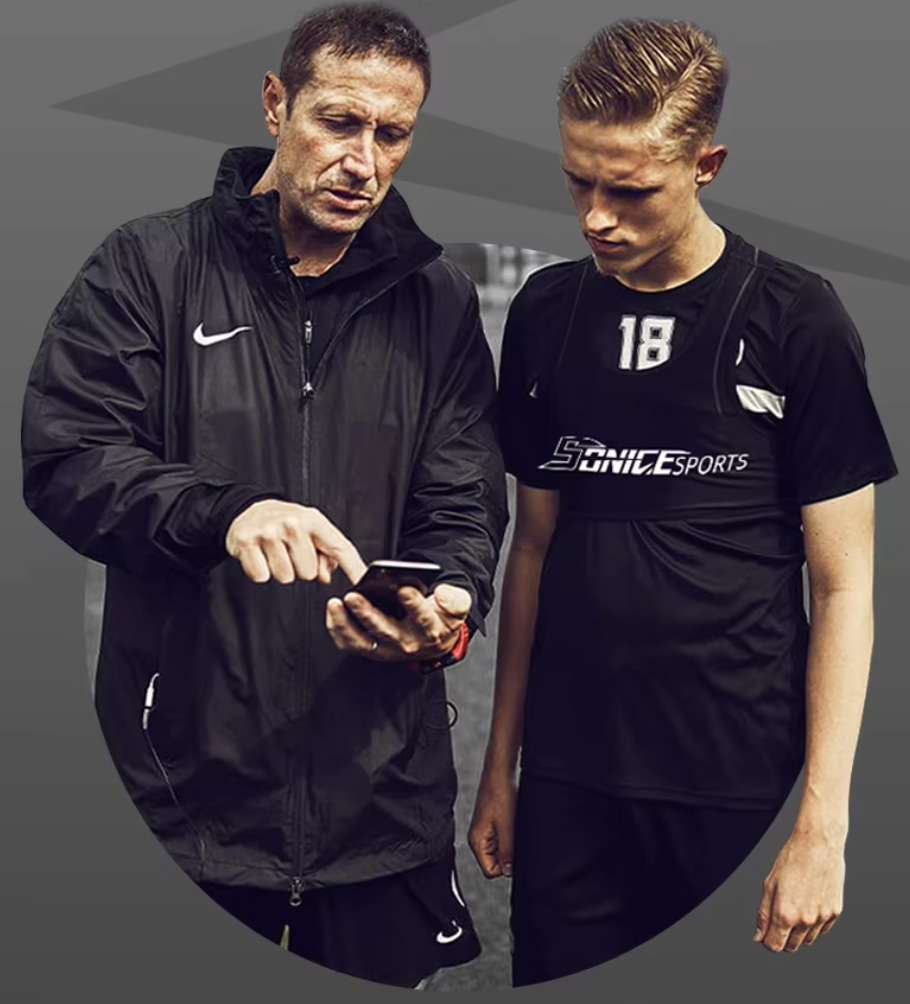
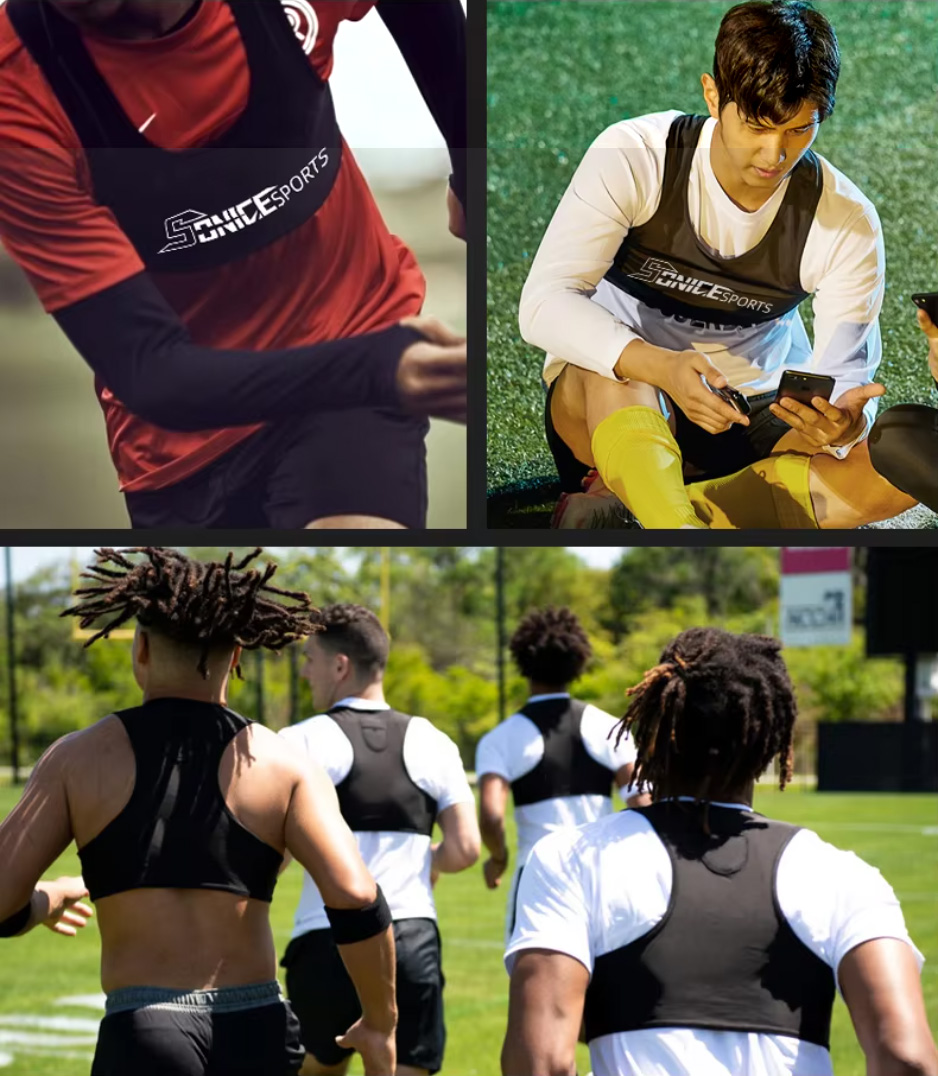
The GPS tracker fits securely in a padded slot in the back of the vest - it is comfortable and barely noticeable. For a strong and accurate GPS signal, this device must be used outdoors, on a field with no roof.
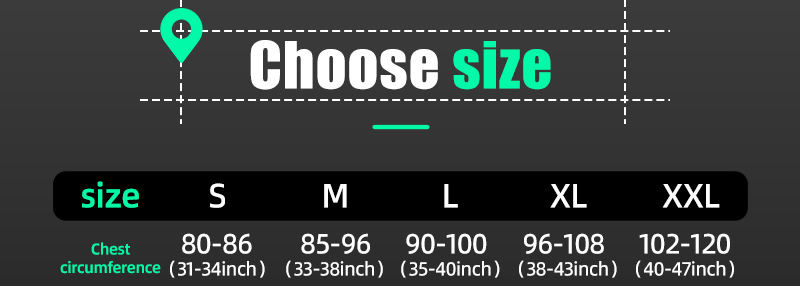
We find it most convenient to have 2 vests (1 vest included) - and it is optional to add additional vests. That way 1 vest will be clean and ready for use, while the other is being washed. Upon ordering, you can email us with your vest size requirements (see the size guide image, using chest circumferences).
Instructions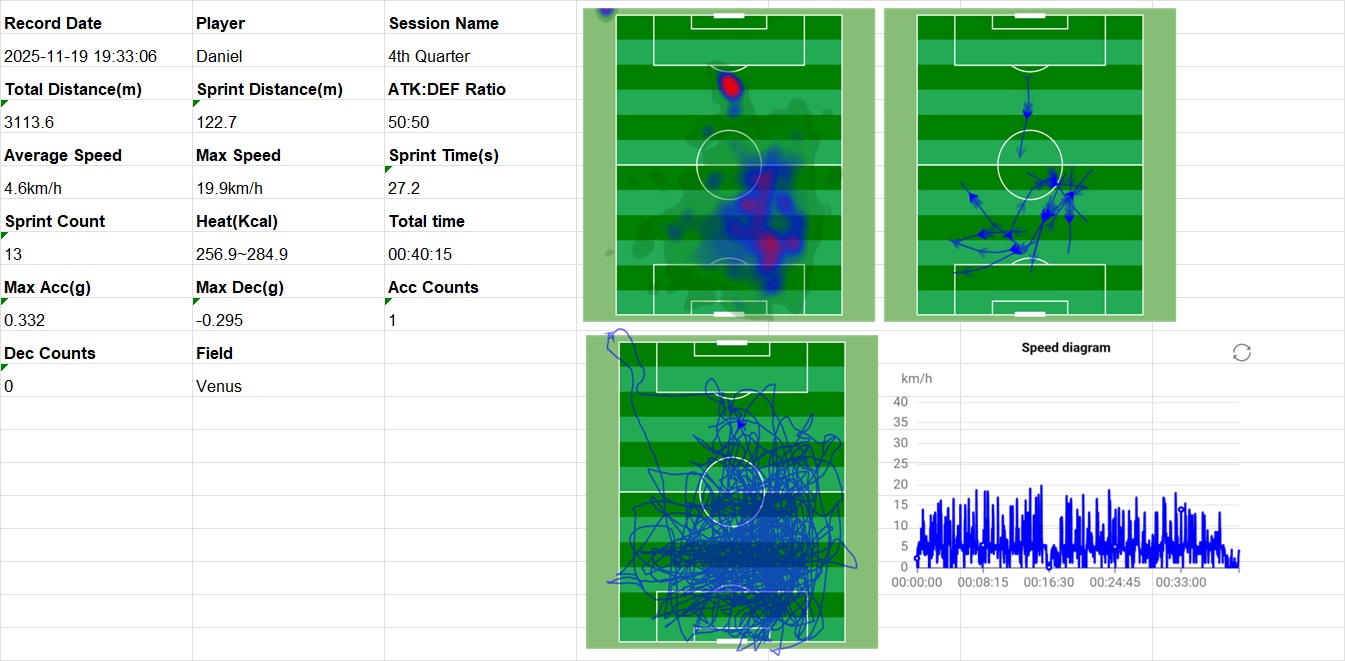
XLS Data Export Sample (Team)
VideoThe GPS tracker fits securely in a padded slot in the back of the vest - it is comfortable and barely noticeable. For a strong and accurate GPS signal, this device must be used outdoors, on a field with no roof.
We find it most convenient to have 2 vests (1 vest included) - and it is optional to add additional vests. That way 1 vest will be clean and ready for use, while the other is being washed. Upon ordering, you can email us with your vest size requirements (see the size guide image, using chest circumferences).
Instructions
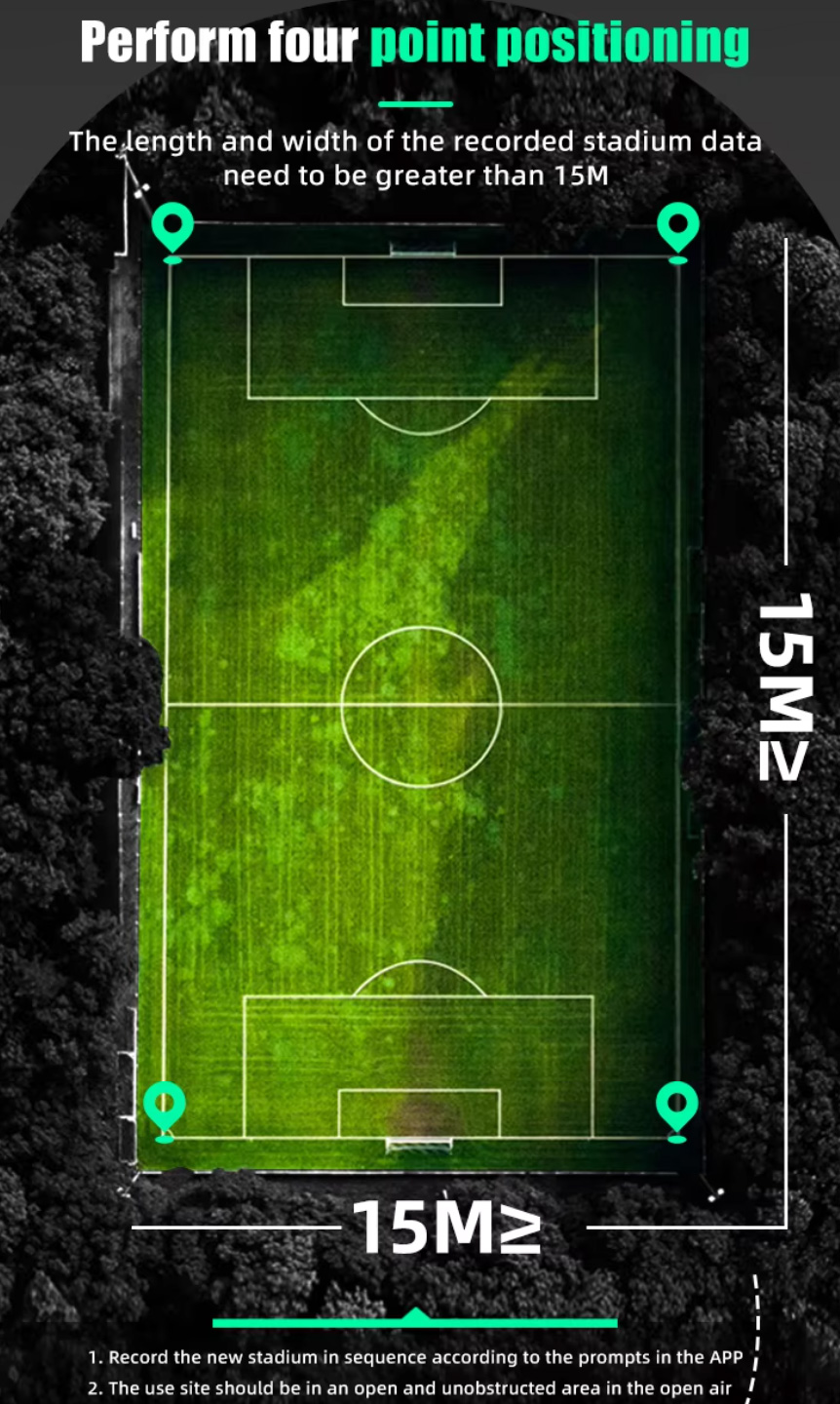
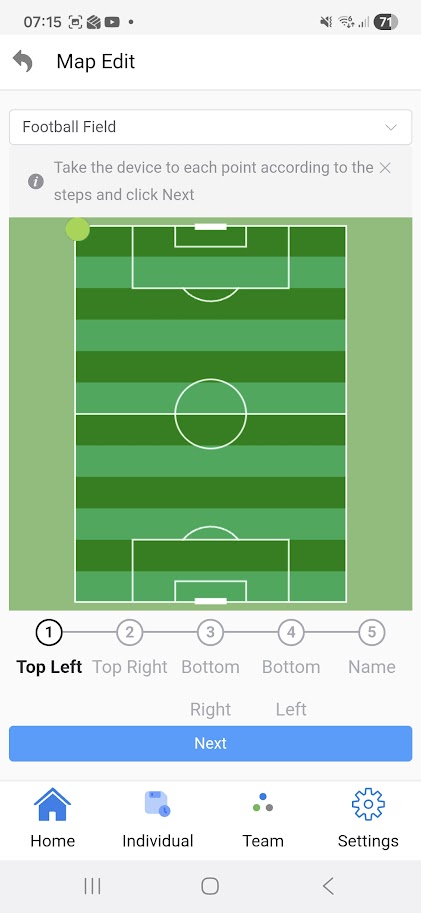
- (Set up the app as a pre-requisite - add the tracker to the app once via Bluetooth, and add the field to the app once by standing on the 4 corners of the field)
- Turn on the charged tracker, wait for the orange light to change to blue (GPS Signal Connected). Insert into vest. Put on vest.
- Decide whether you'll turn on tracking for the full game/training, or just the active portions. When you're ready to begin recording data, press the button on the tracker and listen for the beep (can be pressed through the vest). When you're ready to stop recording data, press the button again (could be at the end of the half, or the end of the game - preferably, all players do it at the same time for better comparisons). The tracker's battery life is 6-8 hours, while the maximum recording time is 2 hours including up to 15 sessions, before requiring syncing.
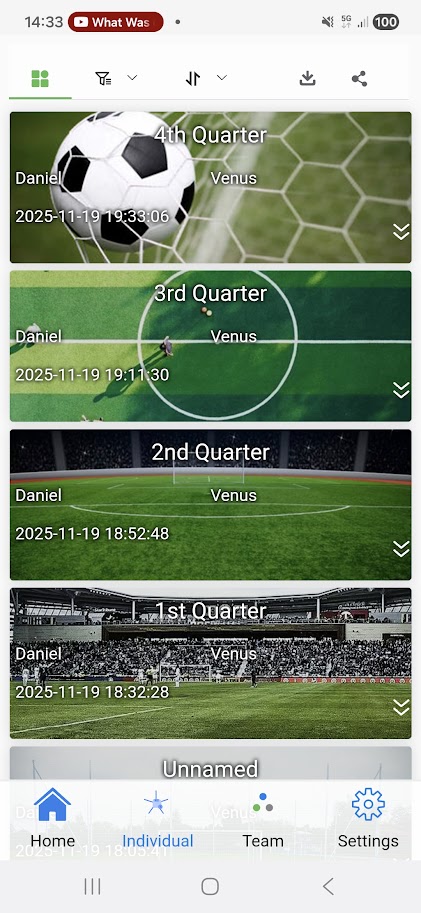
- In the app, press Sync on the particular tracker, then choose the correct training session to import.
- The data has now have been copied from the tracker to the app. You may now turn off the tracker. You can view the data analysis in the app, and even export the data to PC in Excel .xls with screenshots or .tcx format.
XLS Data Export Sample (Team)
GPS Tracker Vest - App Recording
0:00 / 0:53

| What's Included | Vest, Tracker, Carry Case, USB Charging Cable, App |
| Colour | Black |
| Battery Life | 6-8 Hours |
| Maximum Recording Time | 2 Hours (Before Requiring Syncing) |
| Email Support | 7 Days per Week |
 manual-EN-GPS-tracking-vest.pdf
Optional Accessory Details
Related Products