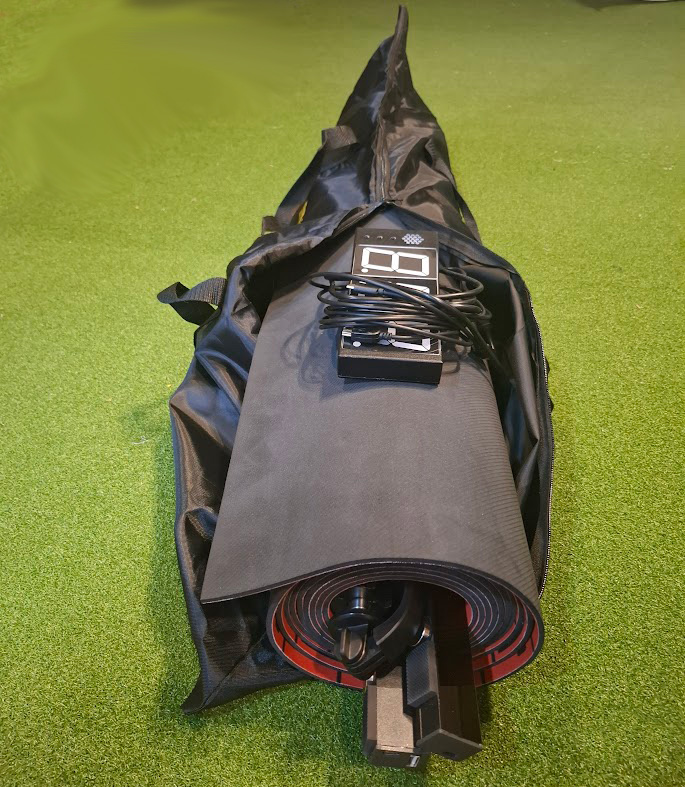

- Non-Slip Mat
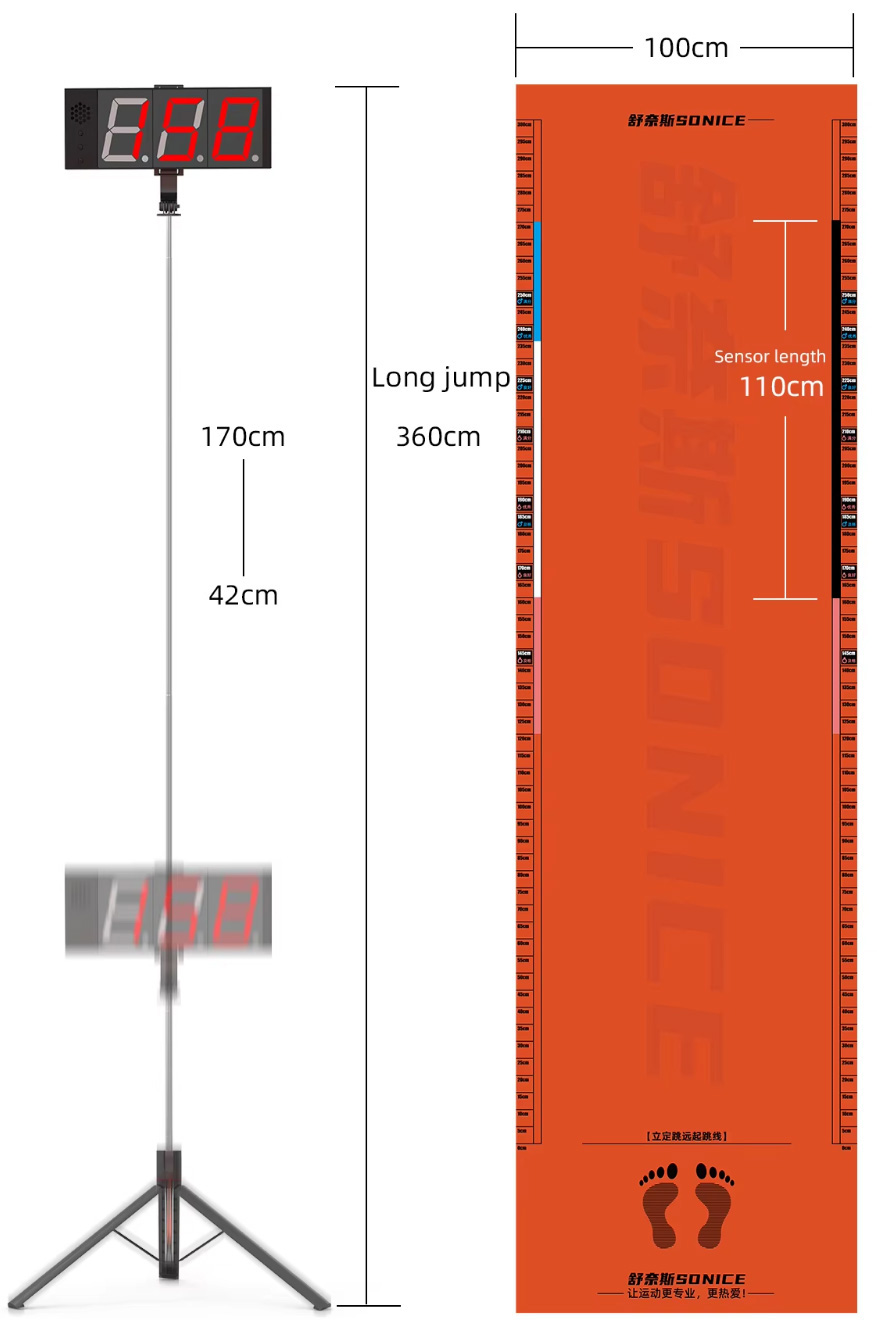
- Length: 360cm
- Measurements: 0-300cm+
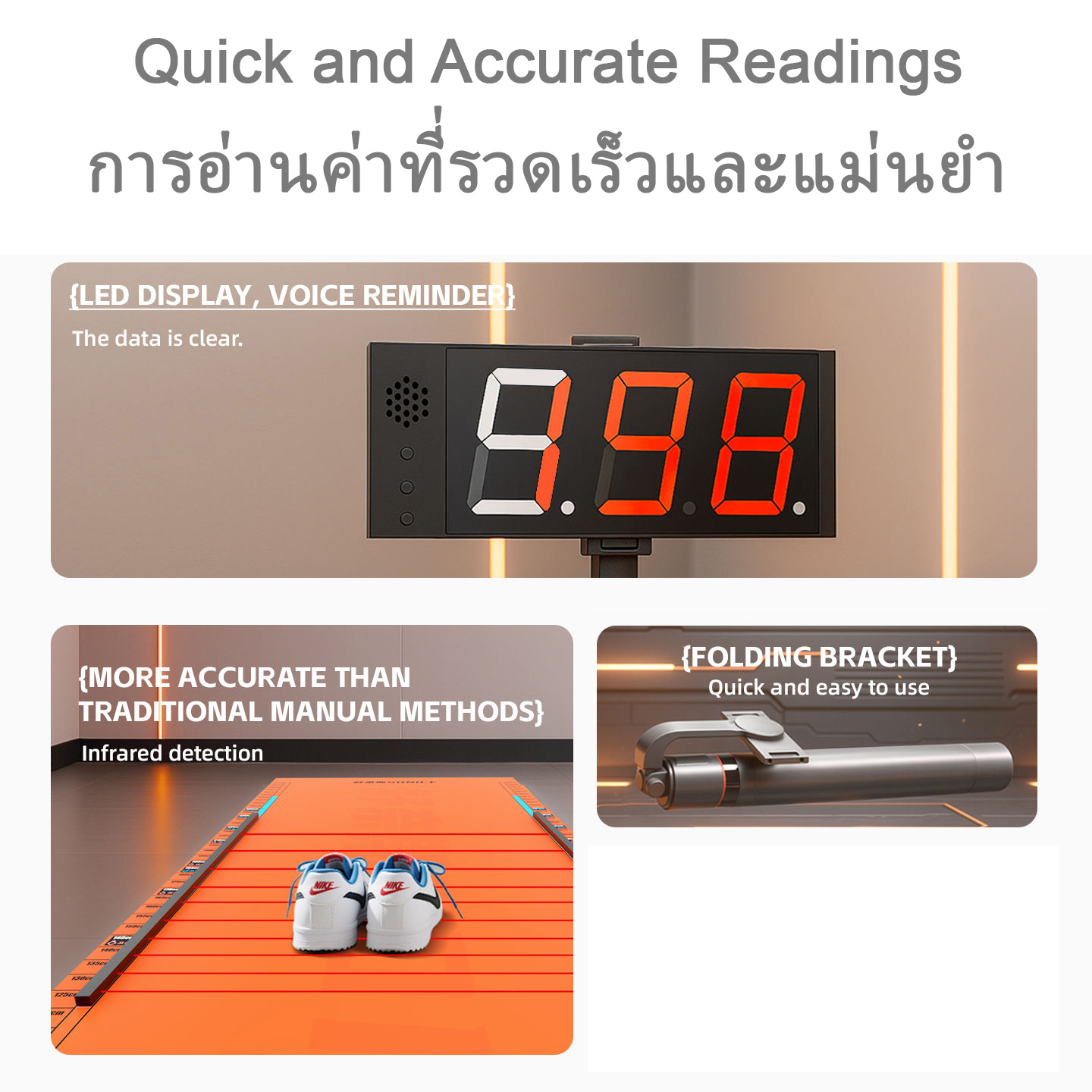
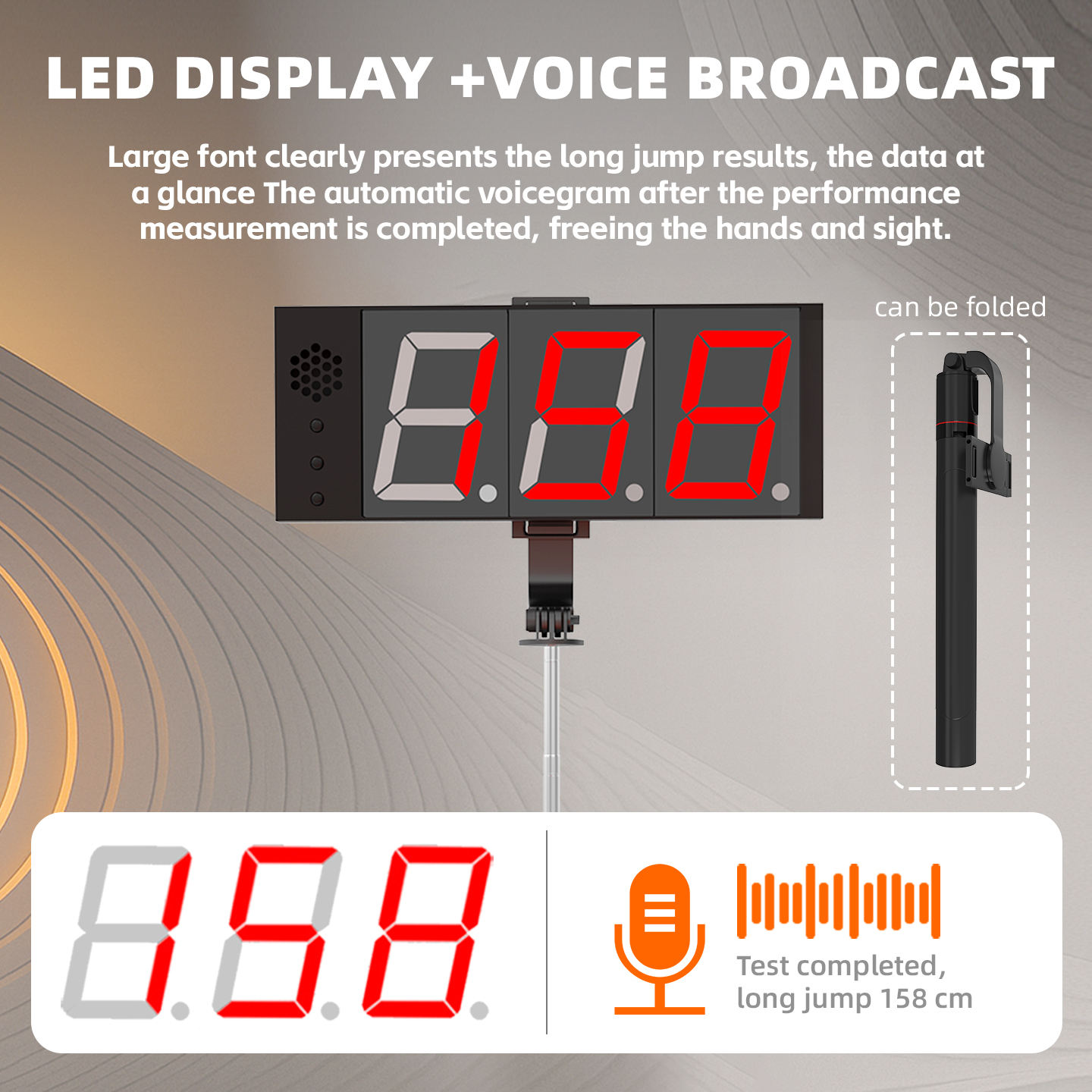
- Digital Display
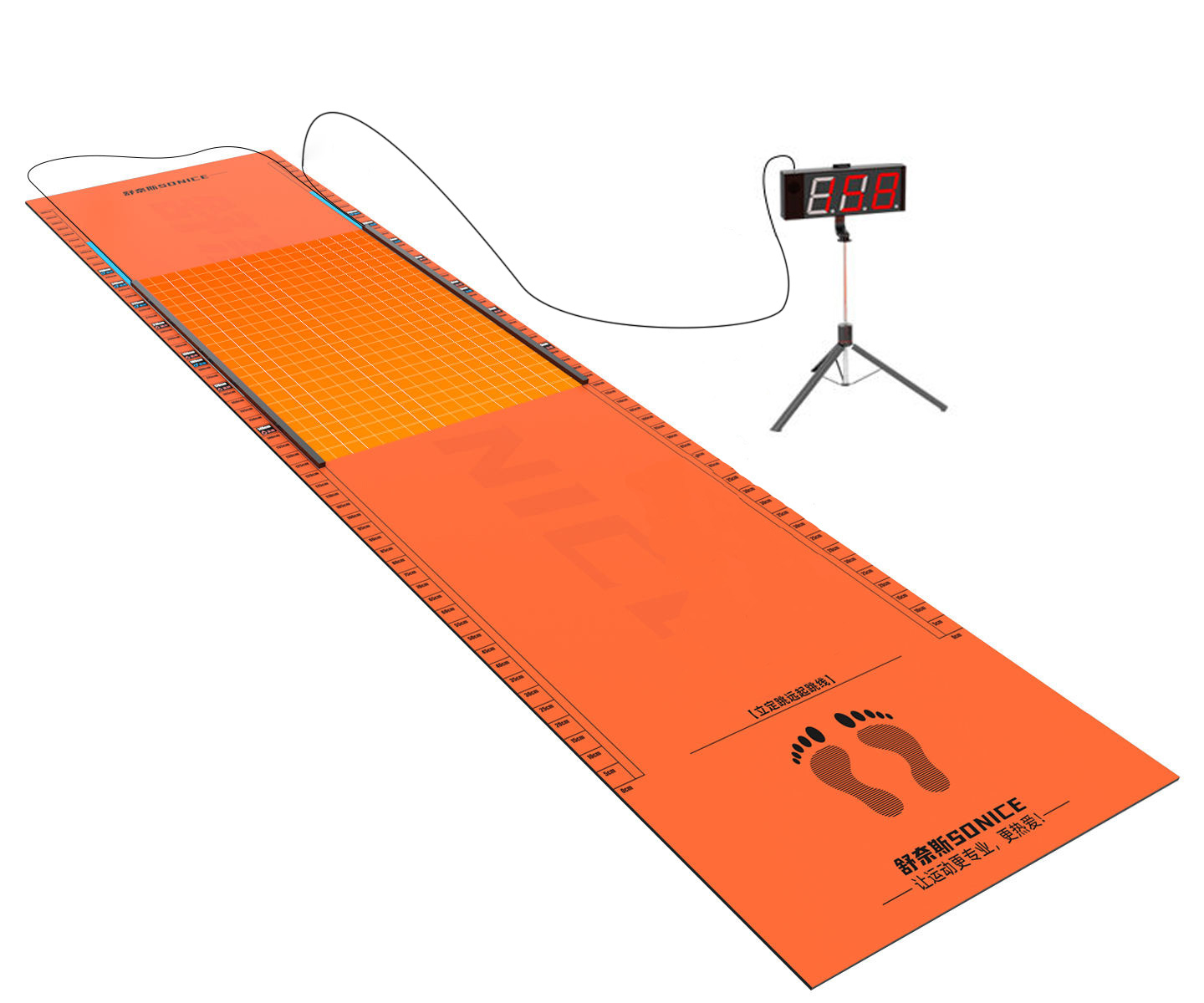
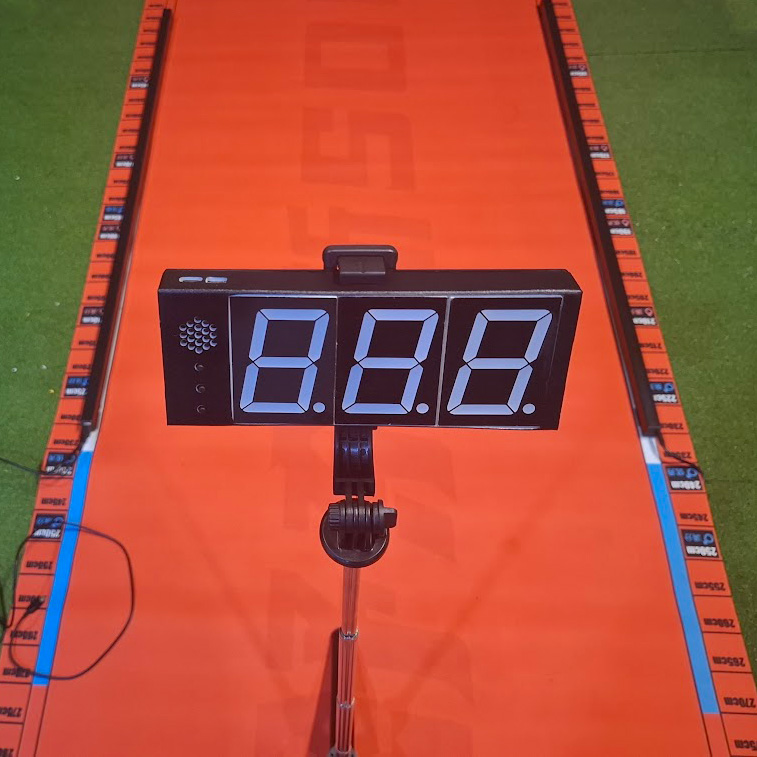
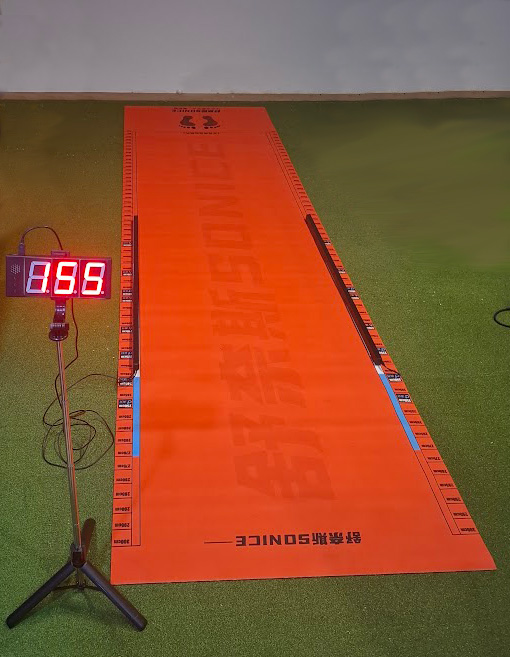
3.6m Electronic Long Jump Test Mat (Infrared, Digital Display)
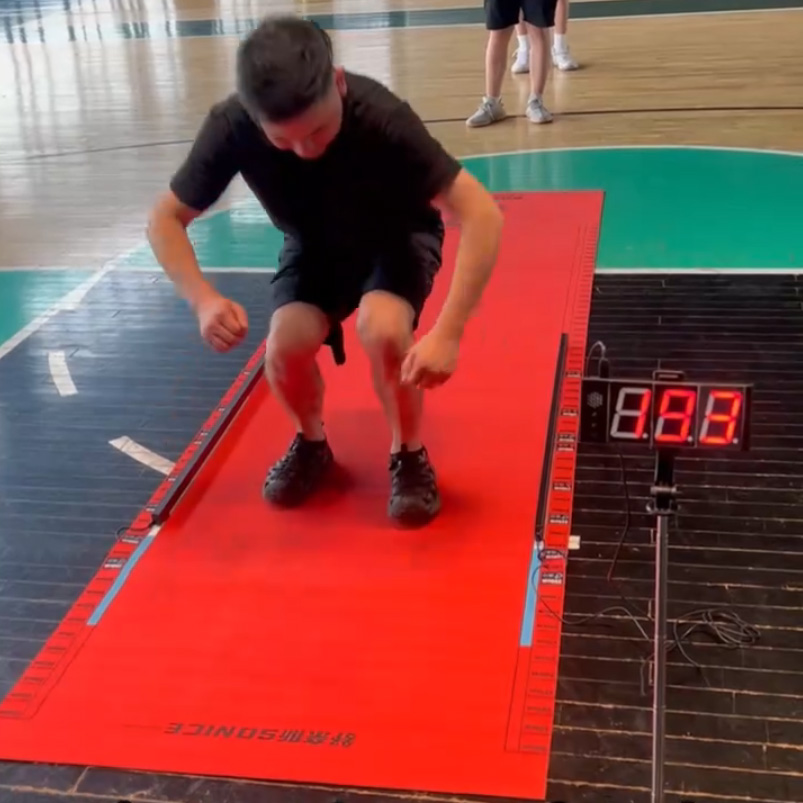
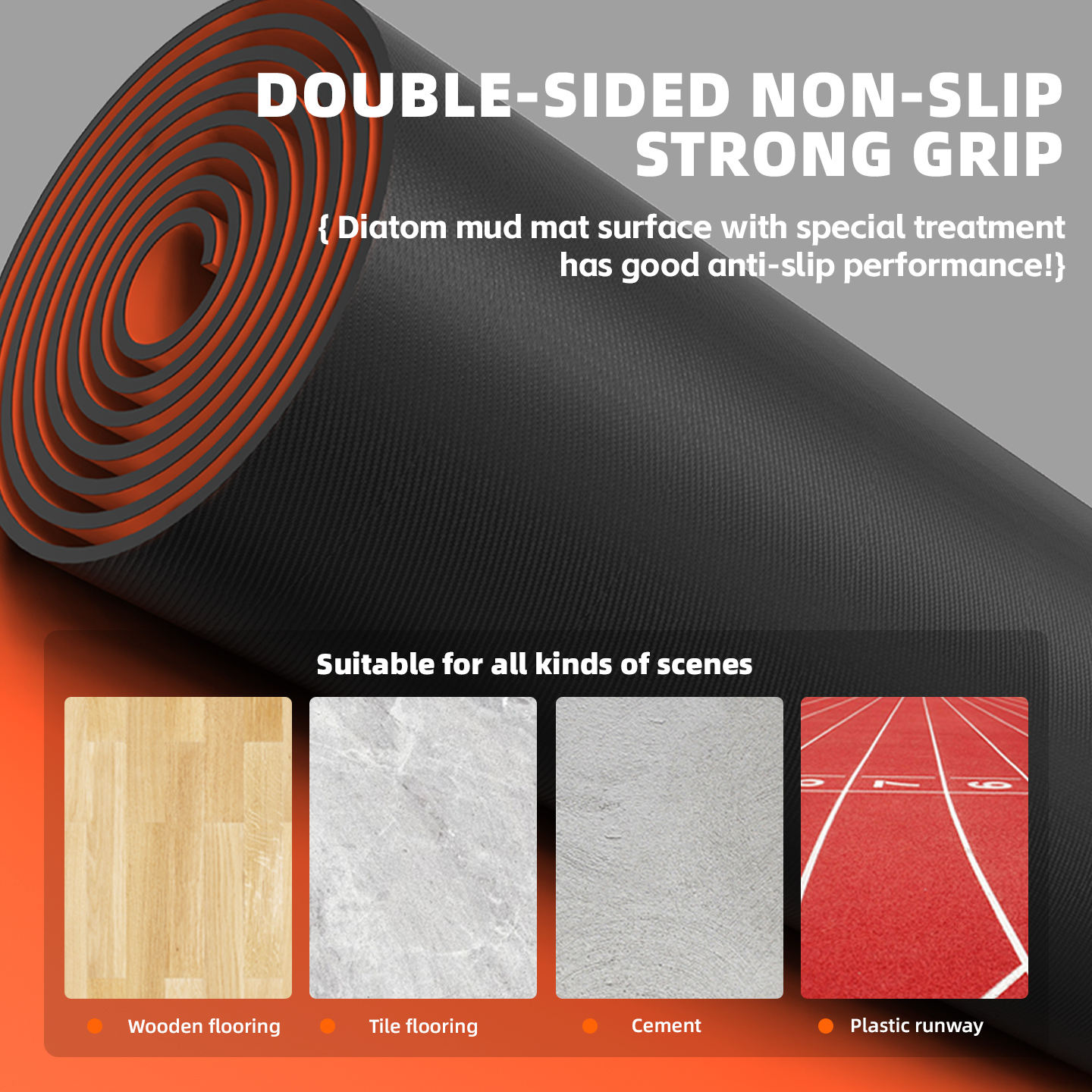
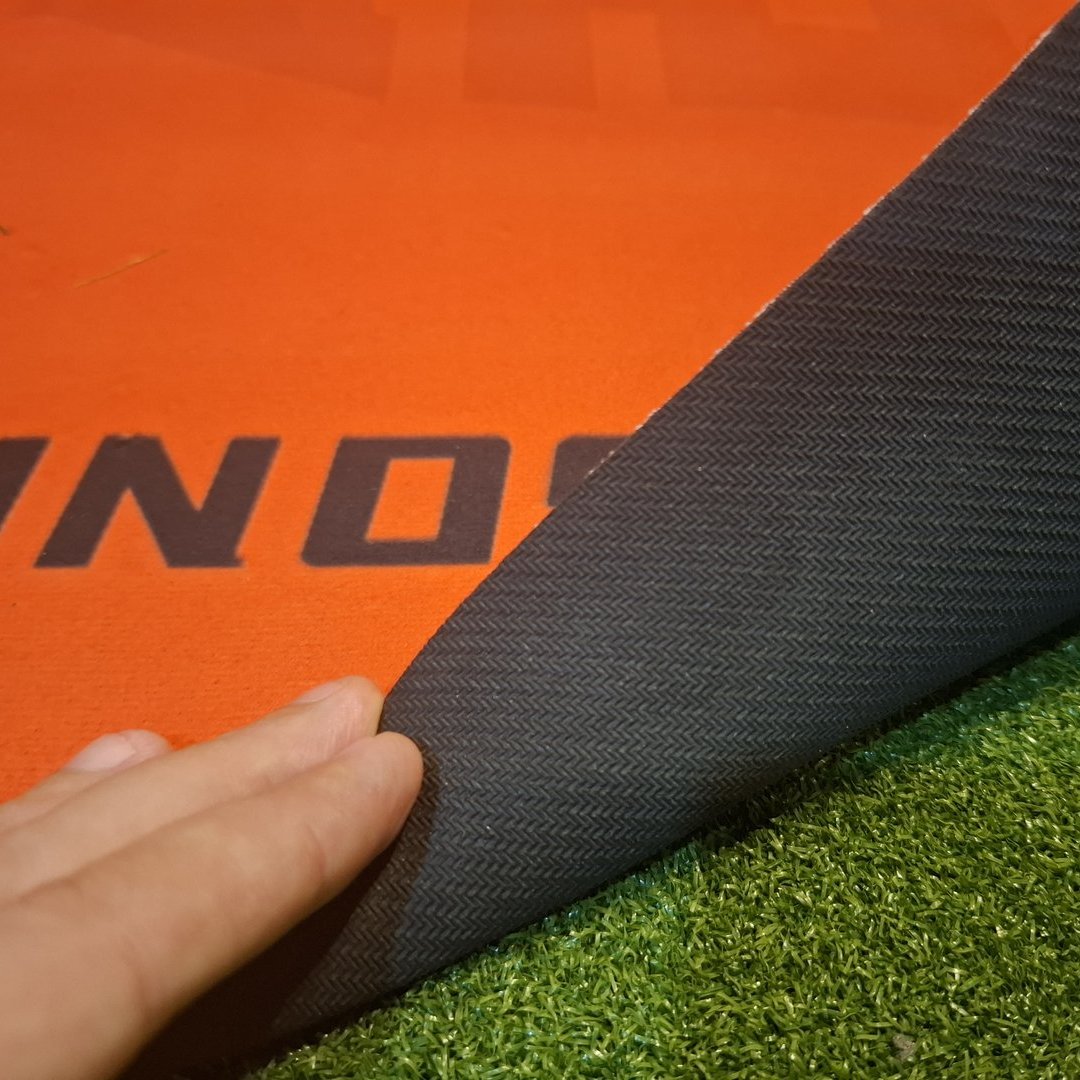
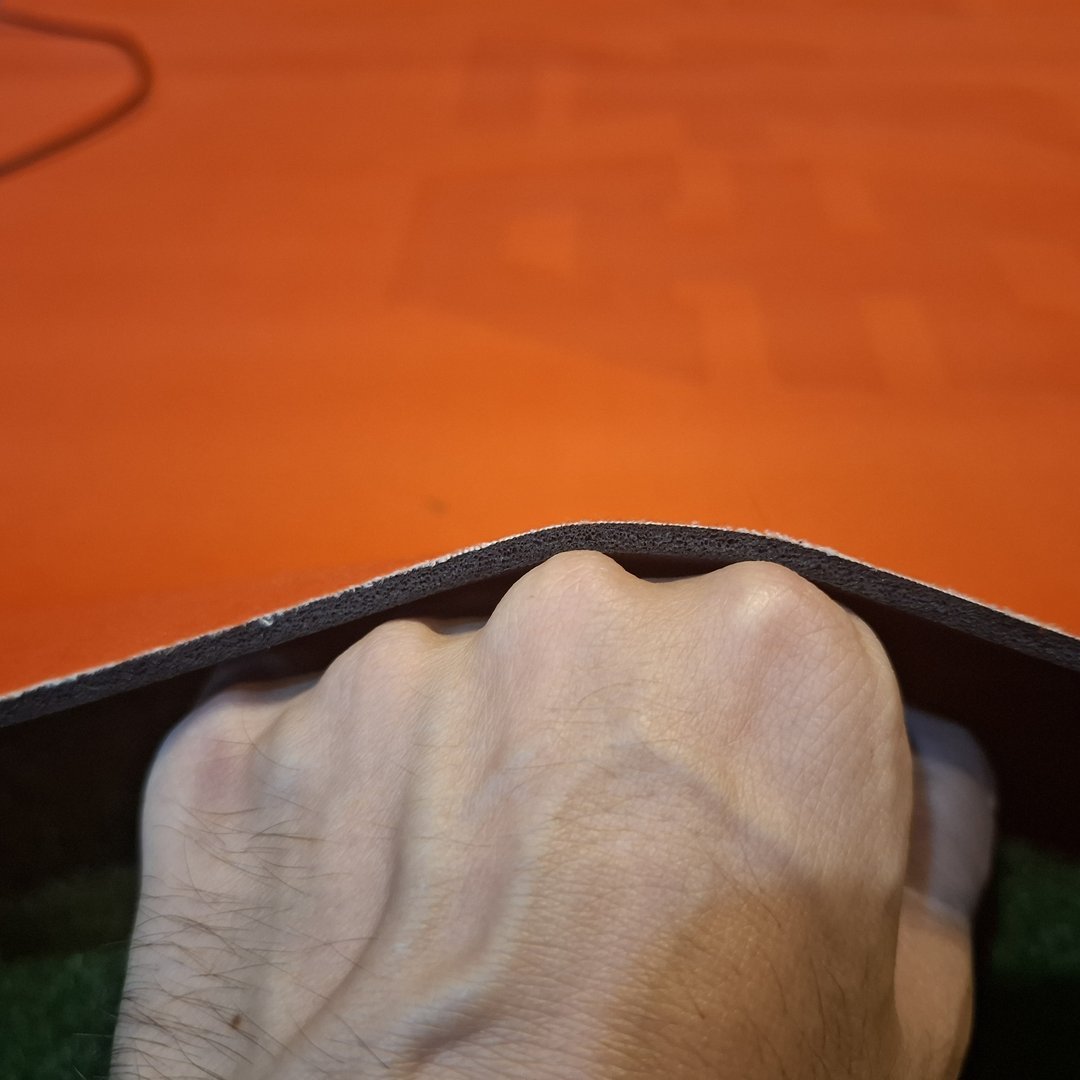
The mat itself is non-slip, suitable for any smooth and solid surface. It is a little squishy, so it's easier on the joints for participants.
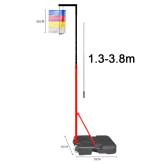
The panel is rechargeable, so it will not need a power outlet when in use. The panel has settings for: voice output on/off, and bar position setting. So after changing the bar positions, you adjust the bar position setting in the panel, so it'll be ready to output accurate results again. The tripod stand adjusts from 42-170cm tall, and the cable allows it to be set up up to 3m from the infrared bar.
The sensors can give quick readings eg. 1 jumper per 5 seconds, and gives instant feedback to the jumper. It can be used in such a way that an evaluator and the sensor both work together, confirming each others readings, with the evaluator confirming adherence to the test instructions.
Reliable readings depend upon the placement of the infrared bars.
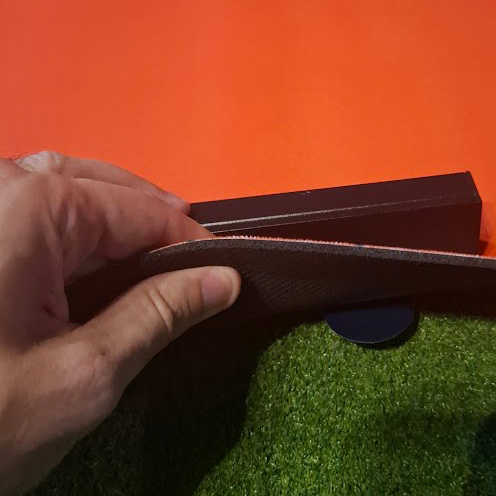
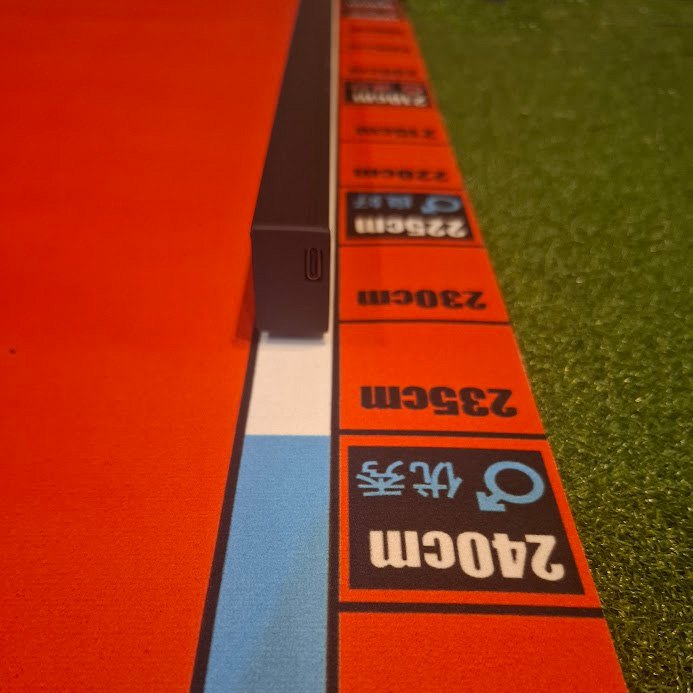
- The magnets on the infrared bars attract to metal circles stuck onto the bottom of the mat. The two infrared bars are held to the mat by magnets sticking to the metal circles that come with the mat. You stick the metal disks to the bottom of the mat, at the positions you choose. Four discs are required to be attached, but there are two spares so you can have an additional position for the bars to stick to.
- You position the measuring range, then tell the display. With the bars at the 120cm mark the display reads from 120 to 223cm. Move the bars to suit your athletes and update the display setting in 5cm steps to match.
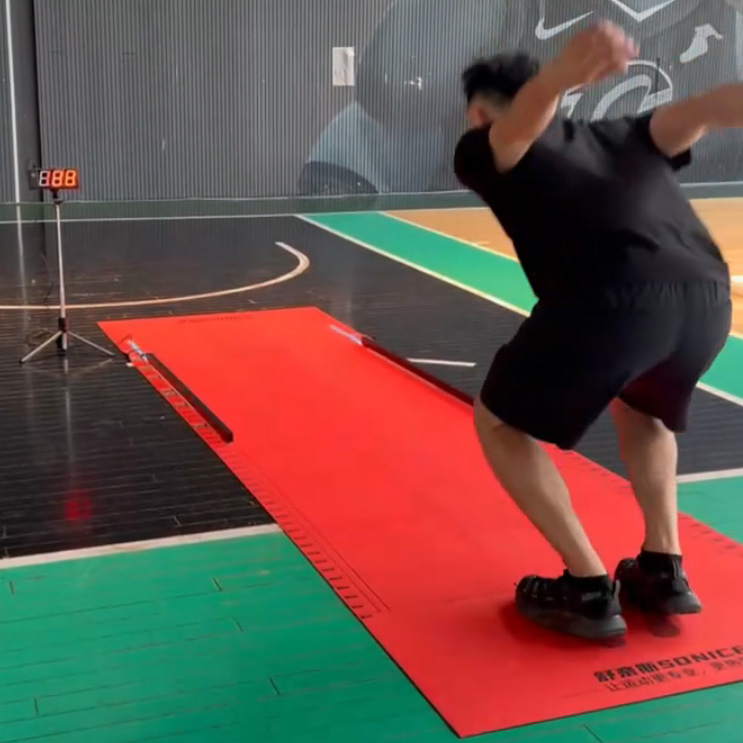
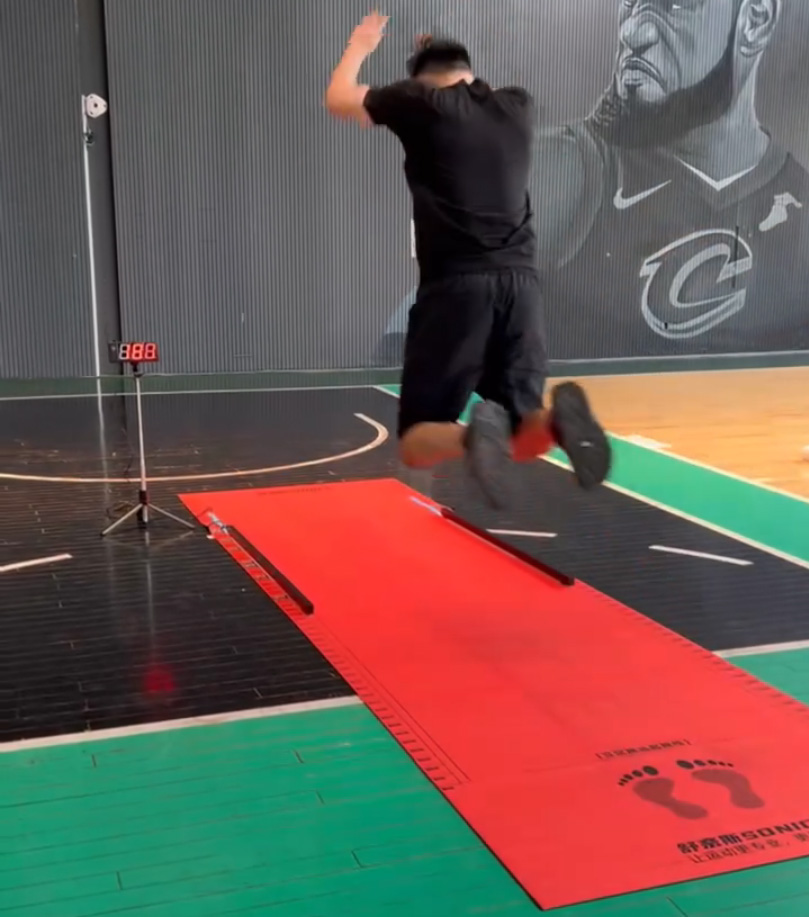
- How an attempt is judged. The mat reads the heel of the rearmost foot. An attempt where the athlete falls backwards would have the display update with the lower reading. It is suggested to record 3 scores, and use the best of three.
- If readings look wrong, check that both bars are at the same position and straight, flatten the mat, clear the surface, confirm the magnets are holding, and check the floor underneath is sufficiently solid (hard is better than bouncy).
- Two smaller points. The display has a voice on and off setting, by holding the top button. The last few centimetres of each bar do not read, because the sensors run for 104cm of the 110cm bar. So the range of readings without adjusting the set-up is 104cm.
Who this suits
The electronic long jump mat gives a digital readout onto a display, with a test facilitator to confirm that the landing point and display match. The alternative to an electronic mat is to use a standard mat with only a test facilitator to judge, or to use no mat, but to have a test facilitator remember the landing point and measure it with a measuring tape. The electronic mat gives the quickest feedback to jumpers, and adds some additional excitement and competition, like a virtual scoreboard. It makes a good addition to the regimen of fitness testing equipment for a school, university or team.
Why does the mat come with metal circles?
They are what the magnets grip. The two infrared bars are held to the mat by magnets, and those only hold once the supplied metal circles are stuck to the underside of the mat at the positions you choose. Four are used and two are spare. Without them, the bars would shift when the mat moves, giving some failed readings. A firm surface beneath the mat also helps in this respect.
How do I set the measuring range?
By where you place the bars, and then by adjusting the display settings. With the bars at the 120cm mark, the display gives readings from 120 to 223cm. Move the bars to suit your athletes and update the panel setting in 5cm steps so the two are equally calibrated. The mat reads the heel of the rearmost foot. An attempt where the athlete falls backwards would have the display update with the lower reading. It is suggested to record 3 scores, and use the best of three.

| Length | 3.6m |
| Colour | Orange, Black |
| Infrared Bar | 110cm Length, including 104cm of Sensors |
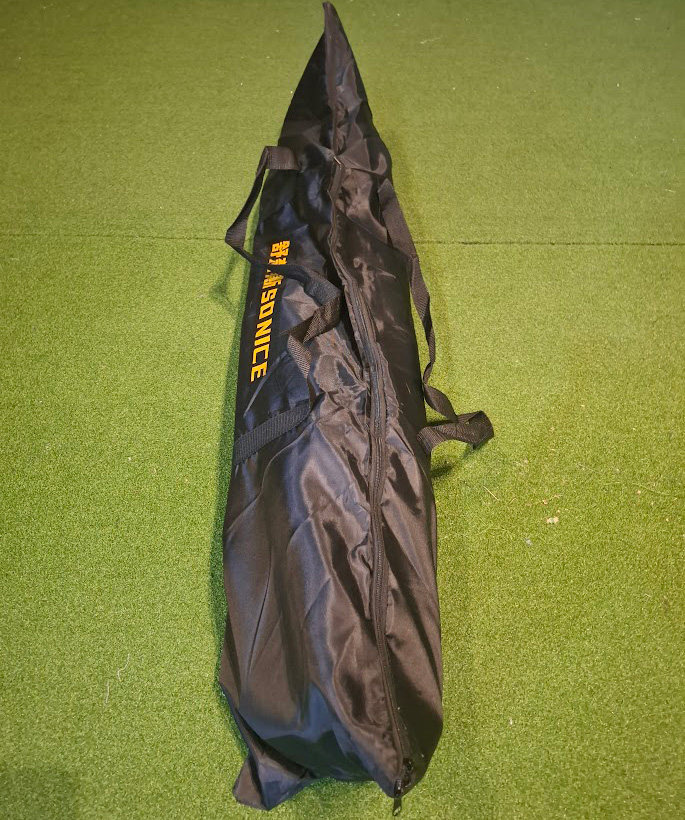
| What's Included | Long Jump Mat, Infrared Bars, Tripod Stand, Digital Display, Connection Cables (Charging cable included, but adapter not included - can charge via phone USB-C cable), Carry Bag |
| Email Support | 7 Days per Week |
 Specification Sheet (PDF) English or ThaiManual (PDF) English or Thai
 Broad Jump Recording Sheet